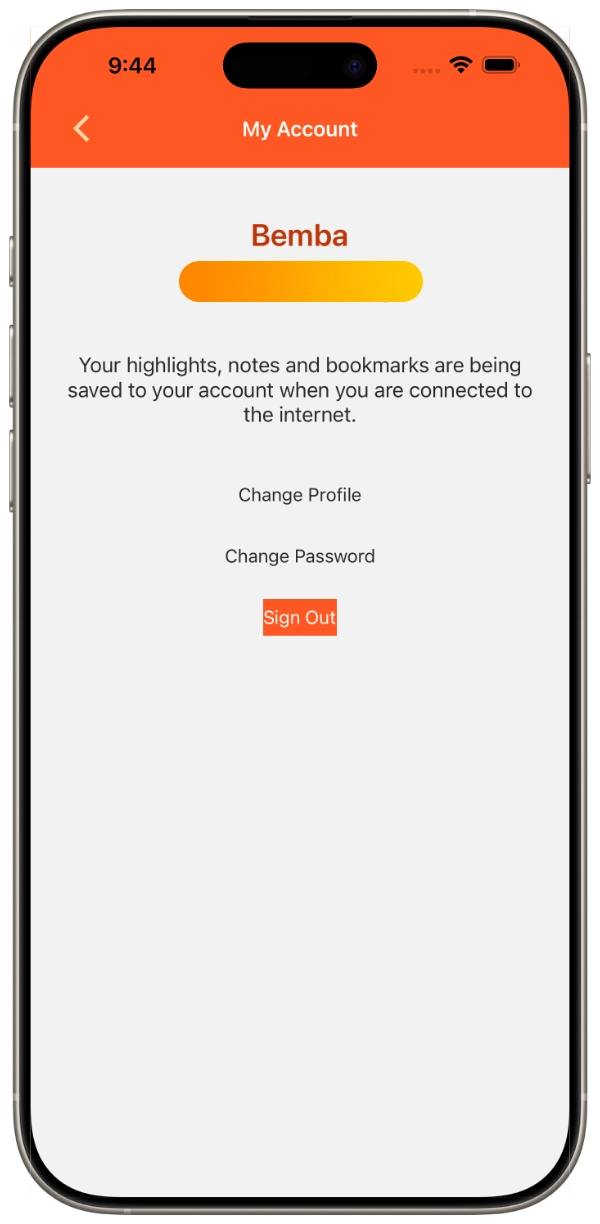
Accounts and Sync
1. Tap the menu button in the top left of the screen.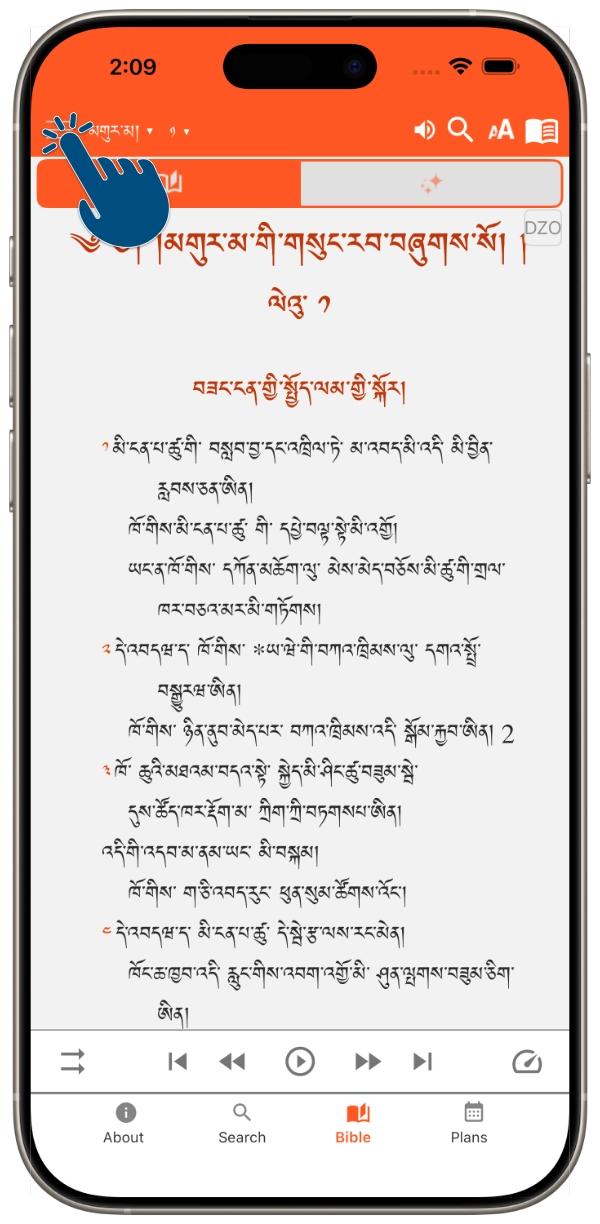
2. Tap "My Account"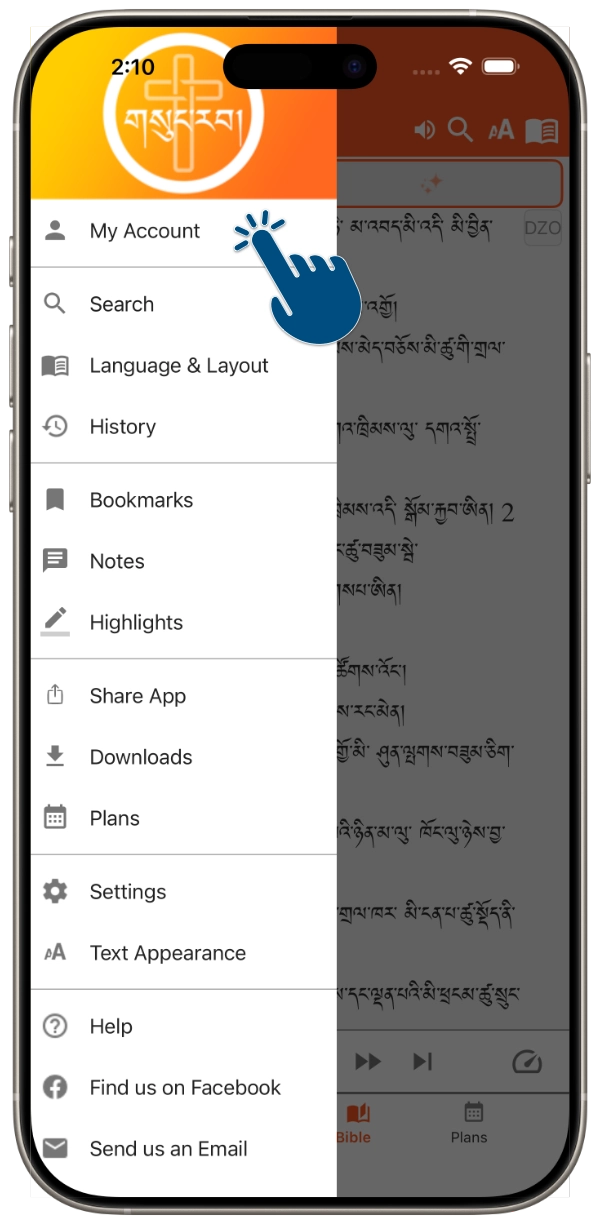
3. Tap "Sign up"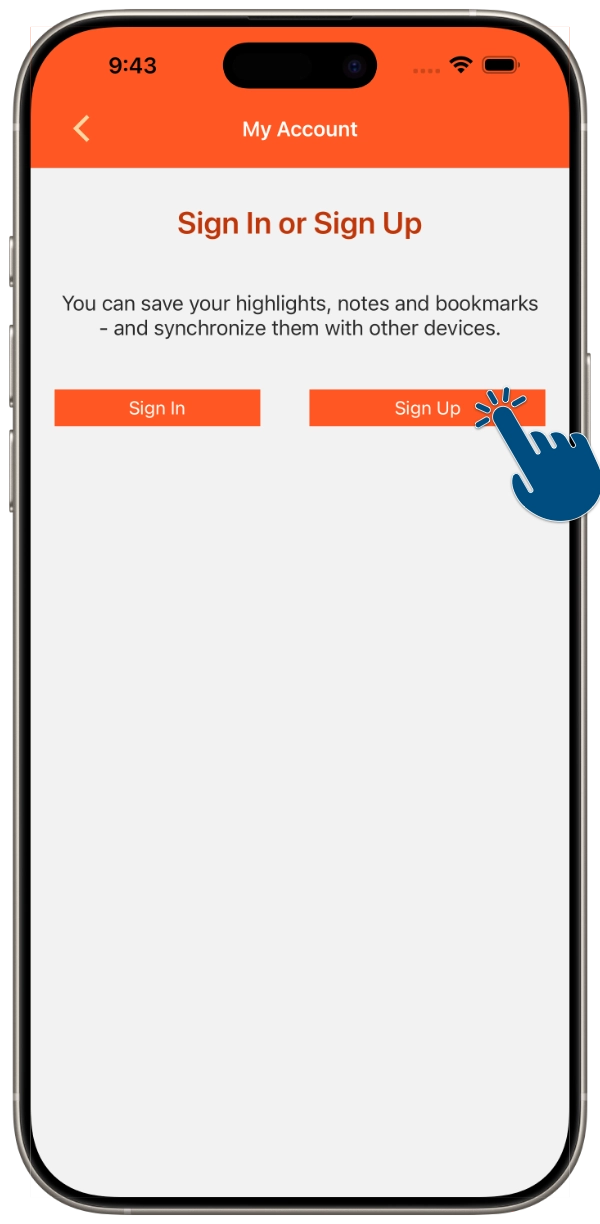
4a. Enter your name and email address.
4b. Create and confirm a password.
4c. Tap the "Sign Up" button.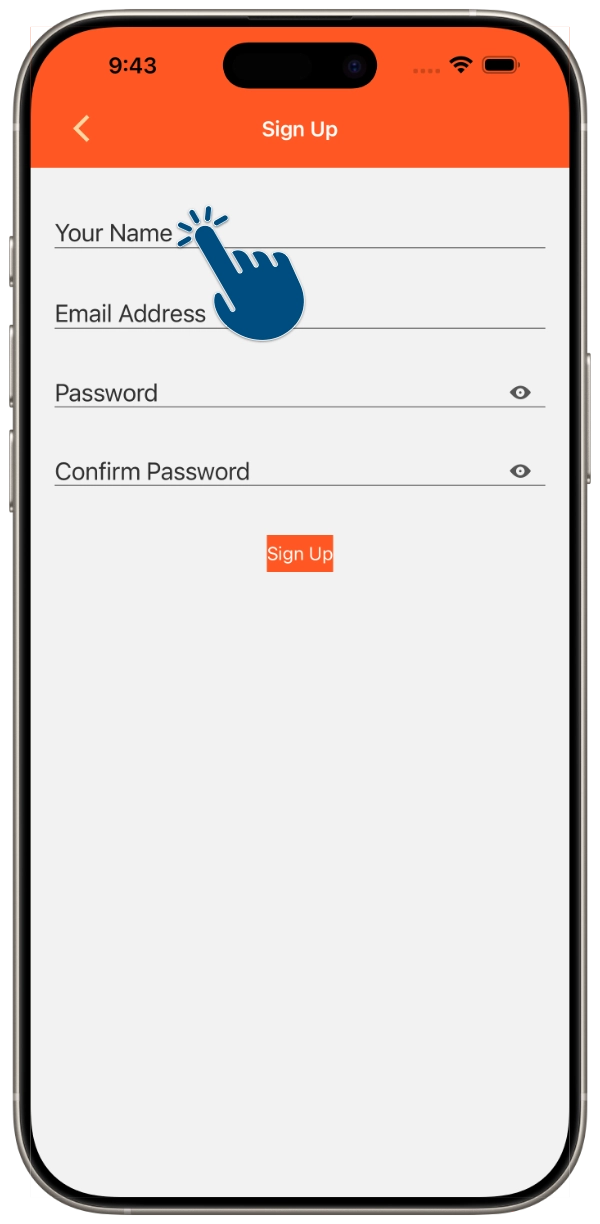
4b. Create and confirm a password.
4c. Tap the "Sign Up" button.
5. Success! Your account is now setup. Your notes, highlights, etc. will now sync to any device you login to.